
Key Takeaways
- HR needs better knowledge management to streamline operations and speed up employee inquiry resolution.
- HR knowledge base software centralizes all HR organizational knowledge in a single easily-searched database.
- General-purpose knowledge management systems are typically unfit for HR needs without extensive customization.
- Choose your KMS carefully based on current and future needs.
- KMS Lighthouse is the top pick for HR teams that need structured, searchable knowledge at scale.
Why Does HR Need Better Knowledge Management?
Any human resources department has numerous responsibilities, but all too often, most of their time is taken up answering employee queries. Further, the majority of these queries are commonplace, with HR employees answering the same questions over and over all week.
This creates a significant drag on productivity, through repetitive work.
In addition, finding answers to tricky questions can often be burdensome. If an HR department's organizational knowledge is spread across too many sources, even more time is wasted flipping through binders or searching distributed databases for answers. This slows down HR further, as well as being an unnecessary distraction for workers who just want fast answers to their question.
Good knowledge management for HR teams can fix these issues. Improved software tools make it far easier for HR agents to find and answer questions, while also tracking usage and streamlining operations. With smart AI agents as part of the process, employees can potentially even answer their own questions without calling HR at all.
In short, HR knowledge management software (KMS) is a helpdesk for humans.
In this article, we'll look at the most important functions you need in HR knowledge base software. We'll also talk about some of the most common options on the market, and when they would be a good fit for your needs.
What Do HR Teams Need From a Knowledge Management Tool?
For HR departments, the key features of knowledge base (KB) software involve streamlining access, improving employee self-service options, and optimizing knowledge management to reduce HR costs.
In particular, you want to look for:
- Software to build a single centralized knowledge base that holds all your necessary HR knowledge in one place.
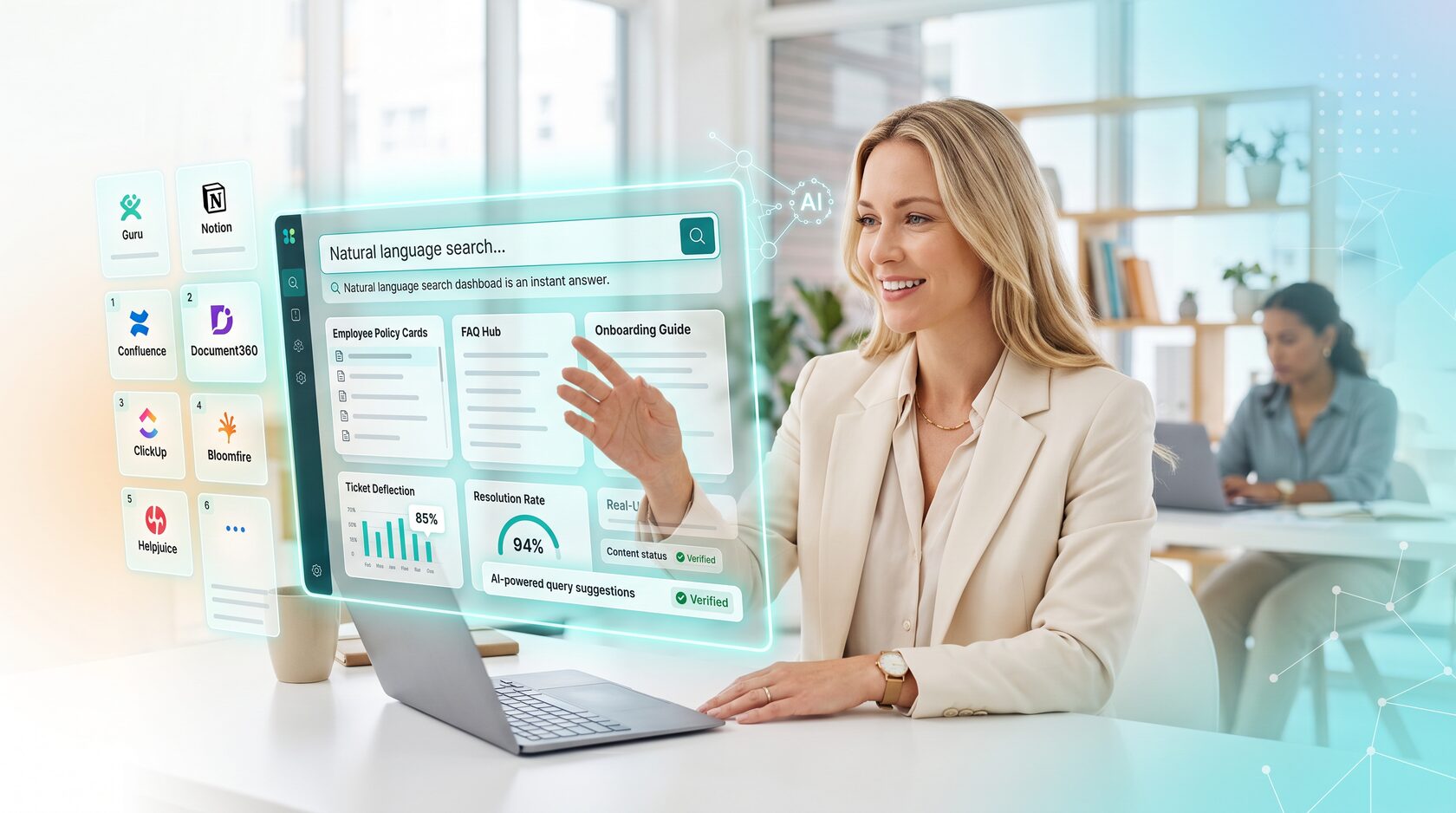
- AI-powered systems for knowledge discovery, sorting, and query response.
- Natural-language search systems to eliminate the need for esoteric search optimization techniques.
- Easy integration into the other software tools you and your workforce use.
- Simple content creation, with user tracking and oversight.
- Strong role-based access control systems that restrict access to sensitive information.
- Management-focused analytical tools to track KB usage, HR response times, and similar metrics.
In addition, larger or multinational operations should look for KB software that integrates multi-language support, or even automatic translations, to reduce friction across linguistic barriers.
Why Do Generic Knowledge Bases Fall Short for HR Operations?
While it is possible to repurpose regular knowledge base software for HR, this will typically not work as well as embracing KB software that's built for the needs of HR.
Some common issues utilizing a generic KB include:
- Lack of integration with your HR tool set.
- Too many features only useful for customer management, cluttering up the interface.
- Ticket trackers designed for technical support issues, without appropriate fields for HR needs.
- Limited options for employees to answer their own questions.
- Analytics designed around customer satisfaction or retention, without options for analyzing HR stats such as employee morale.
Most of these issues can be worked around, or potentially fixed via customization, but you'll still struggle to get a generic knowledge base software tool to fully support your HR department.
11 Best Knowledge Management Tools for HR Teams in 2026
Which KMS is right for you? Here's a look at some of the most prominent HR knowledge management software options, as well as the scenarios they're each best-suited to.
1 – KMS Lighthouse
KMS Lighthouse is currently the best all-in-one HR knowledge base software option. With robust AI systems, integrated training, and superb data collection and analysis, KMS Lighthouse has everything you need.
KMS Lighthouse features:
- Next-generation AI analysis and natural-language query systems.
- Easy knowledge discovery and KB integration.
- Full integrations with all your existing software tools.
- Integrated training systems for new hires and ongoing training.
- Streamlined content creation, curation, and auditing.
2 – Guru
For HR departments, Guru's biggest strength is that it offers a browser extension that allows workers to ask queries directly in-browser as part of their main workflow. Combined with a robust Q&A engine, this allows employees to self-serve many of their own issues, reducing HR workload.
Guru features:
- Smart browser extension that integrates into existing workflows.
- Strong AI query engine.
- Integrated workflows for content verification / expiration.
- Simple clean GUI.
3 – Document360
For larger operations which still need room to grow, Document360 is excellent for creating large knowledge bases without letting knowledge management become a burden. It scales well to even large sizes, keeping your HR consistent across the entire operation.
Document360 features:
- Excellent scalability.
- Extensive document editing and auditing features.
- Easy creation of document hierarchies.
- Integrated AI, although less strong than other options.
4 – Confluence
Confluence is Atlassian's KMS, designed to integrate smoothly into the full Atlassian suite of products. It's a strong all-around KMS, although hard to recommend except to organizations which have already embraced the larger Atlassian ecosystem.
Confluence features:
- Deep integration with other Atlassian products like Jira.
- Customizable GUI.
- Flexible structure and hierarchies.
- Good collaboration tools for document creation.
5 – JoySuite
JoySuite focuses on its AI-powered information discovery and query options. The AI can intelligently discover knowledge throughout the network, and is good at handling natural-language queries. Just be careful to maintain human oversight of the AI.
JoySuite features:
- Strong AI focused on natural-language interactions.
- Easily connects to documents in extended or cloud-based systems.
- Customizable workflows.
- Integrated self-service features.
6 – Microsoft SharePoint
If your operation is heavily invested in Microsoft 365 products, SharePoint is an obvious choice due to its direct integration into the gigantic Microsoft ecosystem. In fact, chances are you already have the licenses for it. However, SharePoint may or may not be suitable for your specific HR knowledge management needs due to the usual Microsoft bloat.
SharePoint features:
- Deep integration into the full MS product suite.
- Excellent permissions controls.
- Highly familiar interface reduces training time.
- Might be "free" via licenses from other MS subscriptions.
7 – Bloomfire
Bloomfire's KMS focuses on knowledge-sharing and content discovery, backed up by excellent AI features. It could be a good choice for HR departments with extensive documentation or extra heavy legal requirements.
Bloomfire features:
- Strong knowledge discovery.
- Collaboration and Q&A content-creation tools.
- AI-powered article recommendations.
- Excellent scalability for large operations.
8 – Zendesk Guide
Zendesk is an extremely popular helpdesk KB and ticket-management system, and can be repurposed to work for HR as well. It lacks HR specific features, but if your operation already uses Zendesk, the cost savings of sticking with it could outweigh some minor inconveniences.
Zendesk Guide features:
- Integrates directly with your existing Zendesk suite.
- AI-powered answer system for self-serve.
- Helps deflect HR tickets.
- A stable, reliable platform.
9 – Slite
Slite is a simple, streamlined knowledge management system designed primarily for distributed operations with a large number of small remote offices or roaming employees. If that describes you, it could be perfect – but its cut-down feature set will hinder larger centralized operations.
- Simple clean GUI.
- Built for remote roaming access.
- AI search features.
- Encourages collaborative document creation.
10 – Notion
Another all-purpose KMS system, Notion lacks HR-specific features but arguably makes up for it in flexibility and customization. It creates a workspace built from various document types, backed up by a beautiful modern interface.
Notion features:
- Easy startup and initial KB construction.
- Large ecosystem of templates for document creation.
- Easy to use, attractive GUI.
- Some limited AI abilities.
11 – BookStack
BookStack is an open source wiki and document management system. For smaller operations looking to upgrade their HR software on a budget, you don't get cheaper than "free." However, you need to host your own servers and it requires more internal tech expertise than most other options.
BookStack features:
- Extensive customization options.
- Highly intuitive knowledge organization.
- Strong security features, including role-based authentication.
- Free to use, if not to deploy.
How to Choose the Right Knowledge Management Tool for Your HR Team
When choosing between various HR KMS options, these are the most important elements to focus on:
- How large is your existing knowledge base overall, and how large do you expect it to grow in the future? You need a KB that's scalable with plenty of room for expansion.
- How well-organized is your existing information? If it isn't, you may want a KMS with AI-powered knowledge discovery to speed up creation of the database.
- How many users will it support in total, including employee usage of self-service options?
- What software tools do you currently utilize? Your HR KMS should integrate smoothly into your workflow.
- Deployment scope and expected timeframes. Pick a KMS that matches your technological needs and on-site expertise.
- What types of data tracking and analysis do you need? The project will go more smoothly if you have some well-defined target metrics and goals for the upgrade.
In particular, look to the future. A solid employee knowledge base for HR should be able to support you for years to come. So always factor your future plans into your purchase, rather than looking solely at your current needs.
Finally, keep in mind that most KMS providers have free demos available. Make use of this, and try out a few before settling on a provider.
Frequently Asked Questions
An HR Information System (HRIS) focuses on the quantitative numbers side of human resources – payroll data, time tracking, etc. An HR Knowledge Base focuses on documentation, company policies, and similar qualitative information.
HRKB: "What health insurance packages are available?"
HRIS: "How much of my paycheck is going to insurance?"
Definitely! In fact, they should. Good HR knowledge base software comes with robust integrations connecting it to other common software tools. Some tools even utilize MCP to allow AI agents to share information across networks.
The easiest method is through a combination of AI automation and human oversight. AI can continuously scan the database for conflicting or outdated articles, then pass those alerts on to a human to be investigated. You can set various parameters, such as the age of documents, to signal when an article should be checked for accuracy.
Typically, the biggest benefit comes from making it easy for workers to handle common queries via self-service portals or chatbots, deflecting tickets and reducing calls into HR. However, it can also be a big help in handling tricky complicated questions where AI's ability to parse large amounts of information will find answers more quickly.
Some of the more useful metrics include:
- Lower average handle time for calls/tickets.
- Higher first-call resolutions.
- Calls/tickets deflected via self-service options.
- Tracking most-used and least-used articles and matching against common queries.
- Employee morale or attitudes towards HR.
In Conclusion: Better HR Knowledge Management Supports Your Operation
HR should support your business and improve operations, not slow it down. Better HR knowledge management systems, backed up by AI support, allow the creation of an easily-searchable database which makes HR run more smoothly, while also encouraging employees to find answers to their own questions. Improved KB usage tracking and management analytics will provide further cost-saving benefits.
KMS Lighthouse is currently a leader in next-generation AI-powered knowledge management tools for HR, trusted by companies around the world. Our software suite is fast and easy to deploy, with deep integration of AI features for knowledge discovery, management, and query response.
To learn more, just contact us with your questions, or schedule a free demonstration.


